InstructionsDesigning a Form Form Builder
Adding a New Entry View Entries on Map
|
Viewing Local Entries on a map using an Android Device
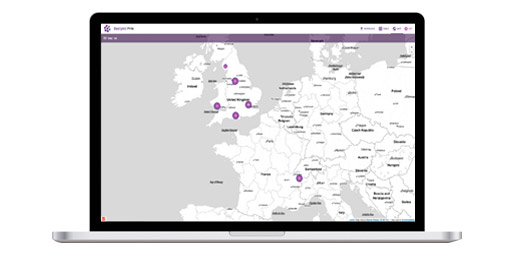
Within EpiCollect we provide the ability to view and filter data collected on your handset using Google Maps. You can either view and filter entries collected on your phone (local entries) or request (and view/filter) from the central project website entries others have submitted to the project website (remote entries).
By tapping on a point, the ID and Title field for that entry is shown and the entry ID is automatically entered into the 'Details' box at the top left of the map (left screenshot directly above). By tapping the 'Details' button the full entry details are accessible for you to browse (right screenshot directly above). We will now load entries from the central project website collected by others who have submitted data to a project chich we term 'Remote Entries'.
|