InstructionsCreating a Project Designing a Form Form Builder
Adding a New Entry View Entries on Map
|
Creating a Project
The name of your project will be checked against all others to make sure that it is unique, and if so, your project homepage will be created.
Your project web address will be in the format: http://www.epicollect.net/project.html?name=myproject where 'myproject' is the name you have given to your project.
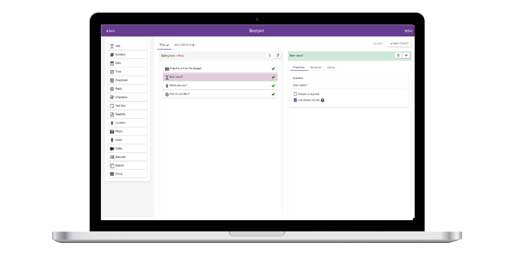
After clicking 'Create' your project website is produced (as in the screenshot directly above).You will be able to amend the look of your homepage by uploading an image and some explanatory text (which we shall detail in the instructions section 'Customising') but first you should create a form for data collection. To design a form for your project , click the 'Create/Edit Project Form' link. We use Google's free data hosting service AppEngine (*click here for further details) for hosting project specific websites and data. As a consequence, and so that you can be sure that you and only you will be able to create/amend your form, we use Google Mail for Authentication (see below). Once logged in, your email address will be used to assign you as the 'project administrator'
Google Mail Authentication To provide security so that only you can amend your project website and form we use Google Mail Authentication. This means you need to have a Google Mail account and login to allow you to build your form. Each time you want to amend your form or project website you will need to login. We have implemented this facility so that you can be sure your form and website will not be amended by anyone other than yourself. If you do not have a Google Mail account you can create one easily and for free by clicking the following logo
You are now ready to design your form.
|