Instructions
Introduction
Creating a Project
Designing a Form
Form Elements
Text Field
Long Text
Select One
Select Multiple
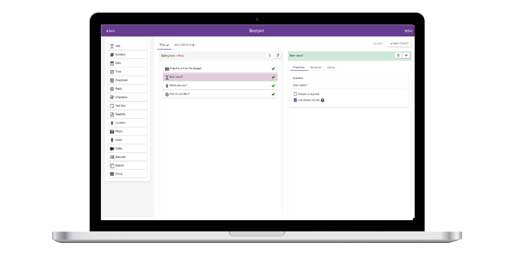
Form Builder
Text Field
Long Text
Select One
Select Multiple

Loading a Project
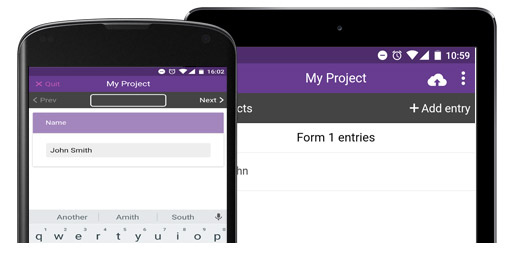
Adding a New Entry
Using GPS
Adding a Photo
Entering Form data
Listing Entries
Synchronising Entries
View Entries on Map
Local Entries
Remote Entries
Filtering Entries
Loading a Project
Adding a New Entry
Listing Entries
Synchronising Entries
View Entries on Map
Settings

Project Website
Viewing Data
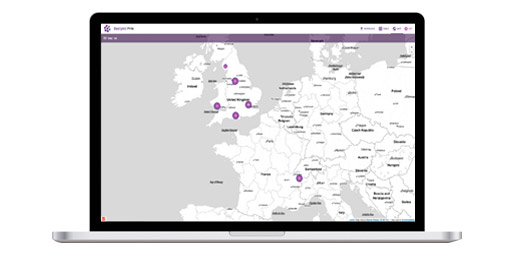
Mapping Interface
Data Points
Chart View
Filtering Data
TIme Slider
Chat Panel
Google Earth
Customising |
Synchronising Entries on an iPhone

Within EpiCollect you can list all the entries you have collected and go back and amend or update any previously collected entries (only those that have not been synchronised with the central server - see later..)
|
From the List Entries screen (as
previous) to synchronise data with the central project
website, tap the 'Sync' button in the top right of
the screen.
It is important to note that 'Sync' only uploads the current contents of the entries list, and only if they have not yet been uploaded.
NOTE: Just to reiterate, to synchronise data you need to be connected to either a mobile data network (3G etc) or a wireless network. |
Listing Entries after Synchronising
|
Providing you have 3G signal or are connected to a wireless
network, your local entries will be sent to the central
project website and when complete this will be indicated
in two ways:
'Sync complete' will be seen at the top of the screen.
The 'Not Synchronised' message under your entry will
now not be there. |
When synchronising, all entries from your phone (local) are
sent to the central server. At the same time, entries that
other people have submitted to the project website (remote
entries) are also downloaded to your phone.
Within the List Entries screen (and following synchronisisng
as above) the buttons at the bottom of the screren allow you
to view either:
- Local - ie entries from your handset
- External - ie entries others have sent to the project which
have now been loaded onto your handset
- All - ie a list of all Local and External entries.
Local Entries

|
|
External Entries

|
|
You can click on any entry to view details.
|
Prior to detailing functionality available at the central
project website, we will detail the inbuilt mapping functionalities
within the EpiCollect app that allow you to explore your and
others data directly on your phone.
|