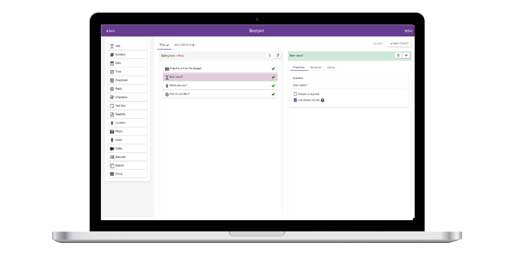
InstructionsDesigning a Form Form Builder
Adding a New Entry View Entries on Map
View Entries on Map
|
Viewing Entries on a map on an iPhone
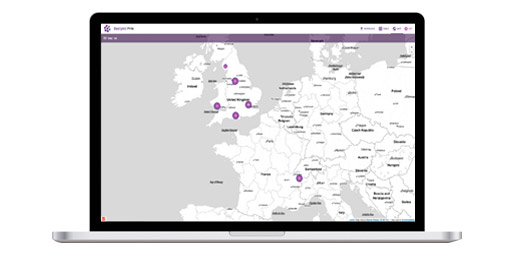
Within EpiCollect we provide the ability to view and filter data collected on your handset using Google Maps. You can either view and filter entries collected on your phone (local entries) or request (and view/filter) from the central project website entries others have submitted to the project website (External entries).
Listing Entries after Synchronising
You can also filter the points for display on the map using the search box just above the map. Filtering will work on any field that has been collected. For example, within our demoproject we record the name of an individual (with the field called 'name'). We can use this to search for a specific name (as in the images below). This kind of filtering will also work for comparisons. For example, if we had a numeric field within our project, we could filter using 'field > 10' for example. You can also filter using wildcards, for example 'name like Pe*' would bring up all tose entries where the name field contained the string 'Pe' regardless what followed. Filtering will work on whichever set of points you have chosen to display (local, external or all).
We will now detail options on the Settings Menu which allow you to customise slightly how EpiCollect functions.
|