InstructionsDesigning a Form Form Builder
Adding a New Entry View Entries on Map
Mapping Interface Customising |
Customising your Project HomepageYou may wish to add some introductory / explanatory text to your project homepage. For example to give an indication of what kind of data you are collecting and to encourage others to submit data to your project (if this is what you want). You may also wish to personalise your project homepage with an image. You can do this as the project administrator when logged in, either when you first create your project or subsequently. When logged in click the likn that says 'Update Homepage description and picture as below
From this page you can add a paragraph of text (you can use basic HTML Tags if required) and add an image (which will be scaled and placed in the top right of your project homepage
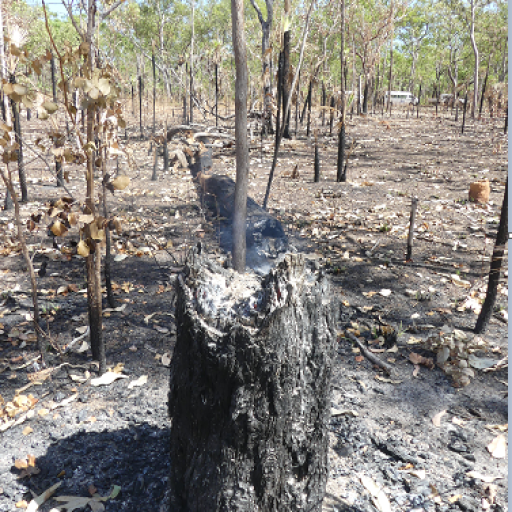
You can amend this text and change or remove the image subsequently. Therefore you can amend until you are happy with the look of your homepage. As an example, the demoproject homepage was produced in this fashion and you can see the text and image positioned as follows:
|
|||||||||||||||||||||||