InstructionsDesigning a Form Form Builder
Adding a New Entry View Entries on Map
Mapping Interface TIme Slider |
EpiCollect.net - Time Slider
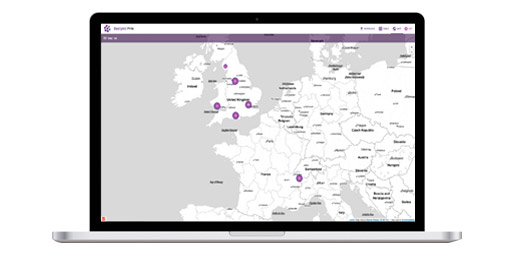
Every entry that is submitted from a mobile device to a project website at EpiCollect.net is 'time-stamped' with the precise date and time the entry was entered on the device. This allows users to filter the data based on when it was collected. At the bottom of the Map interface a 'time slider' widget is present which allows you to display only those data entered within a specific time period. The time slider is indicated in the following screenshot. ![]()
The time slider consists of a horizontal bar representing the entire length of the project and two 'handles' one at the far left (representing the first entry collected) and one at the far right (representing the last entry that was collected). ![]() To use the time slider 'click and drag' either (or both) of the handles until it shows the time period within which you wish to display entries on the map. You will notice that the text below the time slider updates as well as the map. Only those entries collected within the time period you specify will be displayed as points on the map. This allows you to explore the data temporally as well as spatially. We will now detail the ability included with each project website for communicating with users collecting data using Google Talk.
|