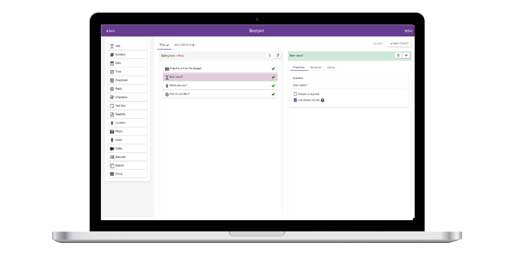
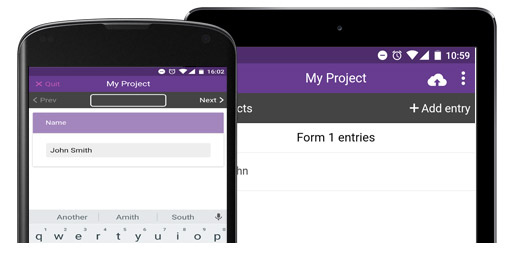
InstructionsDesigning a Form Form Builder
Adding a New Entry View Entries on Map
Project Website |
EpiCollect.net - Project Website
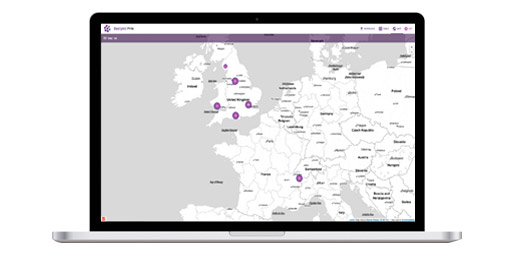
At the website for a particular project, the data collected can be viewed as plain text or viewed using the mapping interface, which includes a number of options for exploring data synchronised (a copy sent from the phones). The data can also be downloaded.
Logging in If you are the owner of a project (ie you created the project initially) you can log in (using your Google Mail account) and change the look of a homepage (add an image and / or some brief explanatory text regarding a specific project) and also amend or change the form associated with a project . However, the public view allows only the downloading of data and the ability to view and filter the data using the mapping interface. As mentioned in the 'Creating a project' documentation, the URL for a particular project will be in the format : http://www.epicollect.net/project.html?name=myproject where 'myproject' is the name of the particular project you are viewing. We will describe in this part of the documentation the 'demoproject' we set up within the 'Form Builder' documentation. We have added 50 random points to this project for demonstration purposes (although of course by now there are many more and you can submit points yourself!).
demoproject The form we designed contained the following questions: Q1. What is your name / nickname? Q2. Male or Female? Q3. What is your age? Q4. Which search engine do you most often use? Q5. Which social networking sites do you use? You can access the homepage for this project at the following URL: http://www.epicollect.net/project.html?name=demoproject When loading the homepage you will see the following: ![]()
The project homepage contains a number of options below the explanatory text:
Firstly, we will run through Viewing (Browsing and/or downloading) the Project Data. |